
Lovable Skills Are the New Safety Net for Non-Coders Building Apps
Why reusable Lovable Skills turn repeated prompts into safer building workflows — and how our new Skills Library helps non-coders debug, plan, secure, and launch with more confidence.
Lovable already changed what it feels like to build software.
For non-coders, that shift was huge. You no longer needed to start with a blank code editor, a developer budget, or months of technical planning. You could describe the app you wanted, shape it through conversation, and watch a working product come together much faster than the old way.
But the new Lovable Skills feature changes something deeper.
It does not just help people build faster. It helps them build with a repeatable process.
That distinction matters because most non-coders do not get stuck in Lovable because they lack ideas. They get stuck because they do not always know what to ask next.
A build fails. A preview turns blank. Supabase feels confusing. Row Level Security sounds important, but hard to understand. A warning appears, and suddenly the user is no longer building their product. They are trying to guess what the technical problem means.
Lovable Skills help solve that. Lovable describes Skills as reusable instructions saved in a workspace. They can be invoked manually with a slash command, and when automatic use is enabled, Lovable can apply the right Skill whenever the task matches.
In plain English, a Skill is a saved workflow.
Instead of asking Lovable a vague question like “can you fix this?”, the user can ask Lovable to follow a specific process.
That is where the real value begins.
From better prompts to better processes
Prompting is useful, but it has a limit.
A prompt helps you ask something once. A Skill helps Lovable follow a process again and again.
That is why Skills are such an important step for serious Lovable users. In Lovable’s announcement introducing Skills, the team explains the core frustration clearly: AI agents are generalists by default, so users often have to explain their conventions, style, and repeated workflows again and again.
Skills reduce that repetition. They let users save reusable instructions once and bring them back when the moment fits.
This is especially powerful for non-coders.
A technical founder might know how to read a build error, inspect routing, review Supabase permissions, or separate a frontend bug from a database issue.
A non-coder often just sees a broken app.
The right Skill bridges that gap.
It gives Lovable a safe checklist to follow. It tells Lovable to diagnose before editing, explain the issue in plain English, identify the affected files or features, make the smallest safe change, and provide a test checklist afterwards.
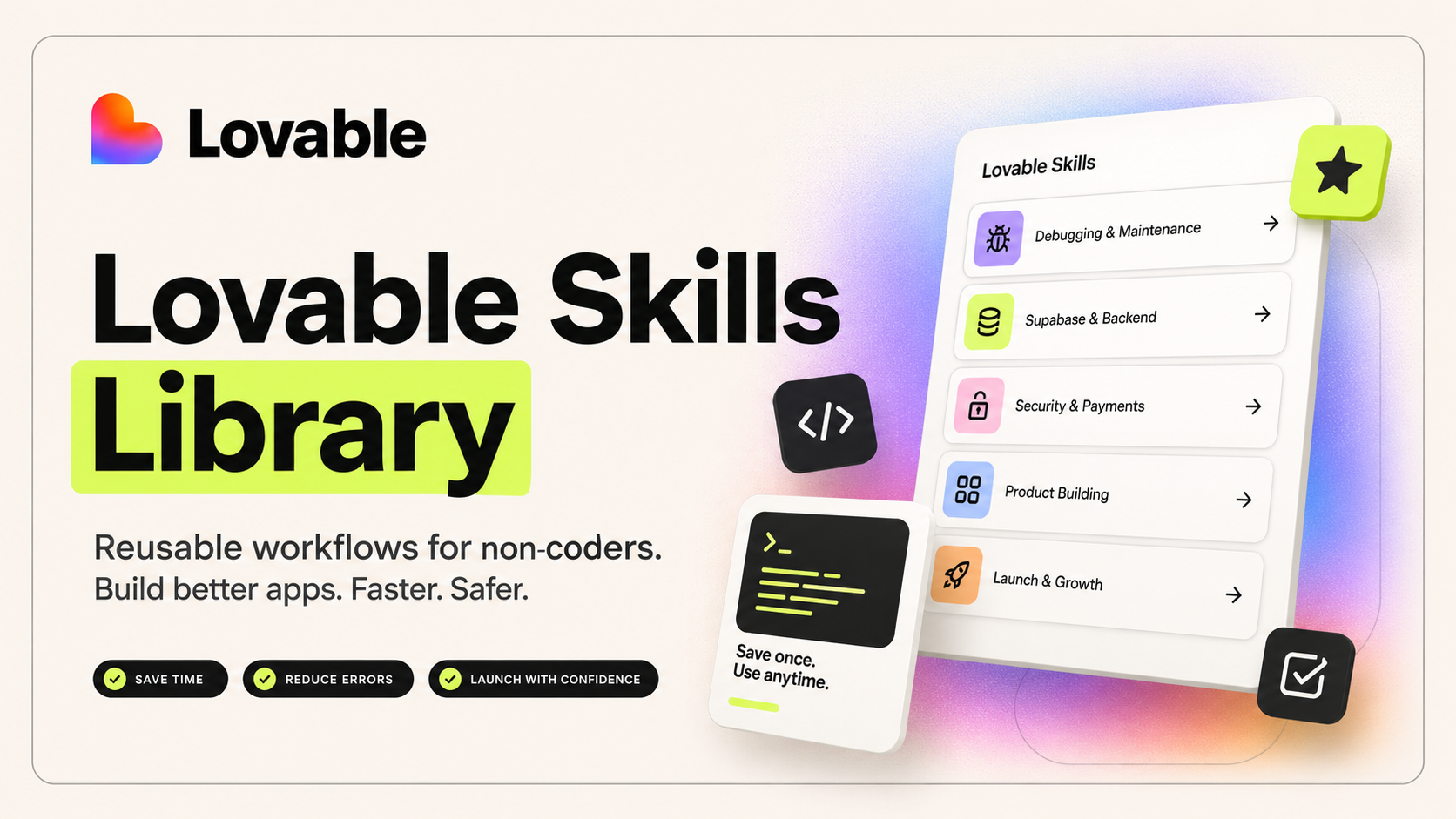
That is the philosophy behind our Lovable Skills Library for Non-Coders.
It is not a random prompt pack. It is a library of saved workflows for the moments where non-coders usually get stuck.
What our Lovable Skills Library is built for
The Lovable Skills Library is designed for founders, marketers, operators, creators, consultants, community builders, and small teams who are building with Lovable without coding experience.
The goal is simple: help people build better apps without guessing what to ask next.
The current library focuses on high-friction parts of building with Lovable: debugging, failed builds, Supabase, RLS, authentication, API keys, Stripe, deployment, QA, feature planning, and launch readiness.
That positioning is intentional.
Not “20 cool prompts”.
Not “AI productivity hacks”.
Reusable workflows for safer app building.
That difference is important. A prompt library helps you ask better questions. A Skills Library helps Lovable follow better processes.
Five live skills that show the power of the library
The best way to understand the value of Lovable Skills is to look at real examples from the library.
These are not theoretical Skills we might add one day. These are live examples from the current Lovable Skills Library.
1. /lint-cleanup-safe-mode
Lint warnings are one of the most confusing moments for non-coders.
The app might still work, but Lovable shows warnings about unused imports, type issues, or code quality problems. A technical user may know which warnings are harmless and which ones need attention. A non-coder usually does not.
That is exactly why /lint-cleanup-safe-mode exists.
This Skill helps Lovable review and fix lint warnings without changing the visible behaviour of the app. Its job is not to redesign anything, add features, or rewrite working components. Its job is to clean up warnings safely.
The word “safely” is doing a lot of work here.
When users are moving fast, it is easy to ask Lovable to “fix all warnings” and accidentally trigger changes that affect working behaviour. This Skill gives Lovable a narrower job. It asks Lovable to group warnings by severity, fix low-risk warnings first, avoid feature or database changes, and summarise what changed.
For a non-coder, that creates confidence.
They do not need to understand every technical warning. They need Lovable to follow a careful cleanup process and explain what happened in plain English.
This is a perfect example of what a good Skill should do: reduce uncertainty without creating unnecessary risk.
2. /build-error-rescue
A failed build feels scary.
It is one of those moments where a non-coder can go from excited to completely blocked in seconds. The app was working, then a change was made, and now the build fails.
The natural instinct is to press “Try to fix” again and again.
But that can make things worse.
/build-error-rescue gives Lovable a better process. It tells Lovable to read the full build error, identify the exact file, line, component, dependency, or route involved, compare the issue with recent changes, and make the smallest safe fix.
That is incredibly valuable because build errors need diagnosis, not panic.
The Skill slows the process down just enough to make it safer. Before editing, Lovable should explain the current problem in plain English, identify what is affected, review recent changes where relevant, and produce a short fix plan.
For non-coders, this turns a technical wall into a guided recovery process.
The user does not need to know what the stack trace means. They need Lovable to explain the likely cause, avoid broad rewrites, repair the smallest possible thing, and provide a checklist to confirm the app is working again.
3. /blank-screen-debugger
A blank preview is one of the most frustrating Lovable problems.
There is no obvious error message. No visible broken component. Just a white or empty screen.
For a non-coder, that can feel like the whole app disappeared.
But a blank screen usually has a cause: a routing issue, runtime error, broken import, auth redirect loop, layout wrapper problem, or component failure.
/blank-screen-debugger gives Lovable a workflow for finding that cause.
The Skill is designed to diagnose empty or white screens caused by routing, runtime, auth, dependency, or component issues. Its goal is to restore visible rendering safely.
The key phrase is “restore visibility before polish”.
That is the right mindset.
When the preview is blank, the priority is not improving the design, rewriting the page, or adding new functionality. The priority is getting the app to render again.
This Skill tells Lovable to check routing and layout wrappers, runtime errors and imports, auth guard loops, and recent component changes. It also tells Lovable to avoid unrelated redesigns, broad rewrites, and database changes without a reason.
For non-coders, this is exactly the kind of saved workflow that makes Lovable less intimidating.
The app breaks. The user calls the Skill. Lovable follows a debugging process instead of guessing.
4. /supabase-setup-guide
Supabase is one of the most powerful parts of building with Lovable, but it is also one of the easiest places for non-coders to feel out of their depth.
Tables, users, files, authentication, storage, backend logic, public data, private data, RLS — these concepts matter, but they can quickly become overwhelming.
/supabase-setup-guide helps users slow down and plan before changing the backend.
This Skill is used when setting up or extending Supabase. It helps Lovable plan database, auth, storage, and backend needs before changing Supabase. The goal is to create a clean backend plan before making schema changes.
That makes it one of the most important Skills in the library.
Non-coders often know what they want the app to do, but not how the data should be structured behind the scenes. A rushed database setup can create messy tables, duplicated data, unclear ownership, and security problems later.
This Skill gives Lovable a process before implementation.
It asks Lovable to map data needs, identify user roles, separate public and private data, and recommend minimum tables and RLS considerations.
That is valuable because the best time to avoid backend confusion is before the backend becomes messy.
For a non-coder, /supabase-setup-guide acts like a technical planning partner.
5. /rls-policy-auditor
If there is one technical topic non-coders building with Supabase should take seriously, it is Row Level Security.
RLS controls which users can access which data. If it is too loose, users may see data they should not. If it is too strict, the app may stop working properly.
That is a hard balance for non-coders to manage manually.
/rls-policy-auditor exists to make that process safer.
This Skill reviews Supabase Row Level Security policies, table access, roles, and data protection before launch. Its goal is to make sure users can access only the data they should.
That is one of the clearest examples of the value of Skills.
Without a Skill, the user might ask something vague like “is my database secure?”
With the Skill, Lovable has a more structured job. It should list every table, create a permission matrix, avoid broad allow-all policies, and add user-role test cases.
This matters because security cannot depend on the user remembering the right technical vocabulary.
A non-coder may not know how to ask for a permission matrix. They may not know why broad allow-all policies are dangerous. They may not know how to test User A against User B.
The Skill brings that process into the workspace.
It helps Lovable think through access rules in a repeatable way, and it gives the user a clearer path to launch with more confidence.
The pattern behind these skills
These five Skills reveal the deeper value of the library.
They all follow the same philosophy:
Diagnose first.
Explain in plain English.
Identify what is affected.
Make the smallest safe change.
Avoid unrelated rewrites.
Preserve working behaviour.
Give the user a test checklist.
That consistency is what makes the library useful.
It is also why Skills fit Lovable so well.
Lovable is conversational by nature. That is part of the magic. You describe what you want, Lovable builds, and you keep shaping the product.
But conversation alone has a weakness: it can become repetitive.
If you have to explain your debugging process, launch checklist, Supabase rules, SEO approach, and QA expectations in every project, the workflow starts to feel fragile.
Skills solve that by making the process reusable.
According to Lovable’s Skills documentation, Skills are managed at workspace level and can be used manually or automatically when relevant. That means a Skill can become part of how a workspace operates, not just a one-off instruction in a single chat.
Skills are different from workspace knowledge
There is another reason this feature is so useful: Skills are not the same as general project knowledge.
Lovable’s documentation on Knowledge explains that Knowledge is always included in context and is best for standing rules, style preferences, brand voice, and project background.
Skills are different.
Skills are loaded for specific tasks.
You probably do not want a build-error workflow influencing every design decision. You do not want an RLS audit shaping every marketing page. You do not want a deployment checklist loaded during a small copy edit.
But when the matching problem appears, you absolutely want Lovable to follow the right process.
That is why commands like /build-error-rescue, /blank-screen-debugger, and /rls-policy-auditor make so much sense.
They are not general preferences. They are specific rescue processes.
The library turns technical judgement into something reusable
The strongest part of this library is that it captures technical judgement in a form non-coders can actually use.
A non-coder does not always know whether a build error is serious.
They may not know whether lint warnings are safe to fix.
They may not know why a blank screen is happening.
They may not know how to plan Supabase tables.
They may not know what RLS should allow or block.
The Lovable Skills Library gives those users a starting process.
It does not pretend that every app will be perfect. It does not remove the need for testing. But it gives Lovable better instructions at the exact moment where the user would normally feel stuck.
That is the real shift.
Not because Skills magically solve every problem.
Because they make good building habits easier to repeat.
What we should add next
The current library is deliberately focused on non-coder safety, debugging, backend planning, security, payments, QA, and launch confidence.
After comparing the live library against other high-value Skill ideas, two useful future additions stand out.
The first is a dedicated landing page conversion Skill. The current library includes launch and SEO workflows, but not a specialist Skill for headlines, calls to action, offer clarity, proof, objections, and page flow.
The second is a dedicated accessibility review Skill. The library already includes design cleanup, but accessibility deserves its own focused workflow covering keyboard navigation, contrast, labels, focus states, semantic HTML, alt text, and inclusive UX.
Those would make strong phase-two additions.
But this article is intentionally showcasing the Skills that are already live in the library today.
Lovable workspaces become smarter over time
The most exciting thing about Skills is that they compound.
One Skill helps with one problem.
A library of Skills changes how a workspace behaves.
When a user has a build error, they can call /build-error-rescue.
When the preview turns blank, they can call /blank-screen-debugger.
When Supabase feels unclear, they can call /supabase-setup-guide.
When private data is involved, they can call /rls-policy-auditor.
When launch is close, they can call /pre-publish-deployment-check.
This turns Lovable from a blank conversation into a more guided building environment.
The user is not starting from scratch each time. They are building with reusable processes.
That is why this feature is such a big deal for non-coders.
It gives them a way to carry better judgement into every project, without having to memorise every technical checklist themselves.
Final thought
Lovable made app building conversational.
Skills make it repeatable.
That is the leap.
For non-coders, the biggest challenge is often not imagination. It is knowing what to do when the app gets technical.
The Lovable Skills Library is built for those moments.
It gives users reusable workflows for debugging, failed builds, blank screens, Supabase planning, RLS audits, API safety, payments, deployment, QA, and launch readiness.
The result is not just faster building.
It is calmer building. Safer building. More confident building.
And that is why Lovable Skills feel like a real turning point. They do not just help users ask better questions. They help Lovable follow better processes.
Sources and further reading
Get the next essay in your inbox
Practical notes on building with AI, shipping fast, and growing a one-person studio.